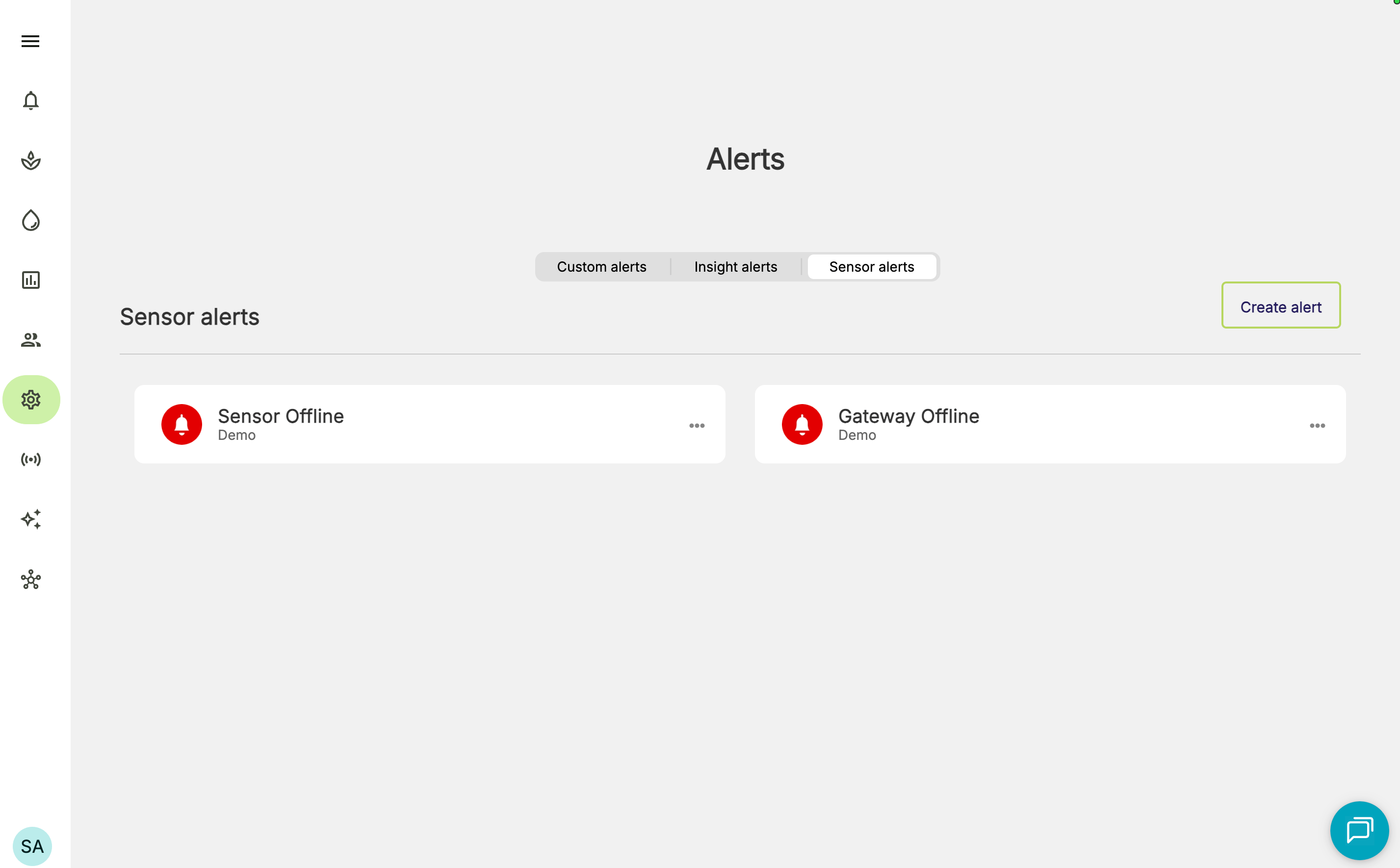
Gateway offline alerts are designed to only alert once for a given gateway outage.
How to create a Gateway Offline alert
- Go to Manage alerts screen and select the Sensor alerts tab.
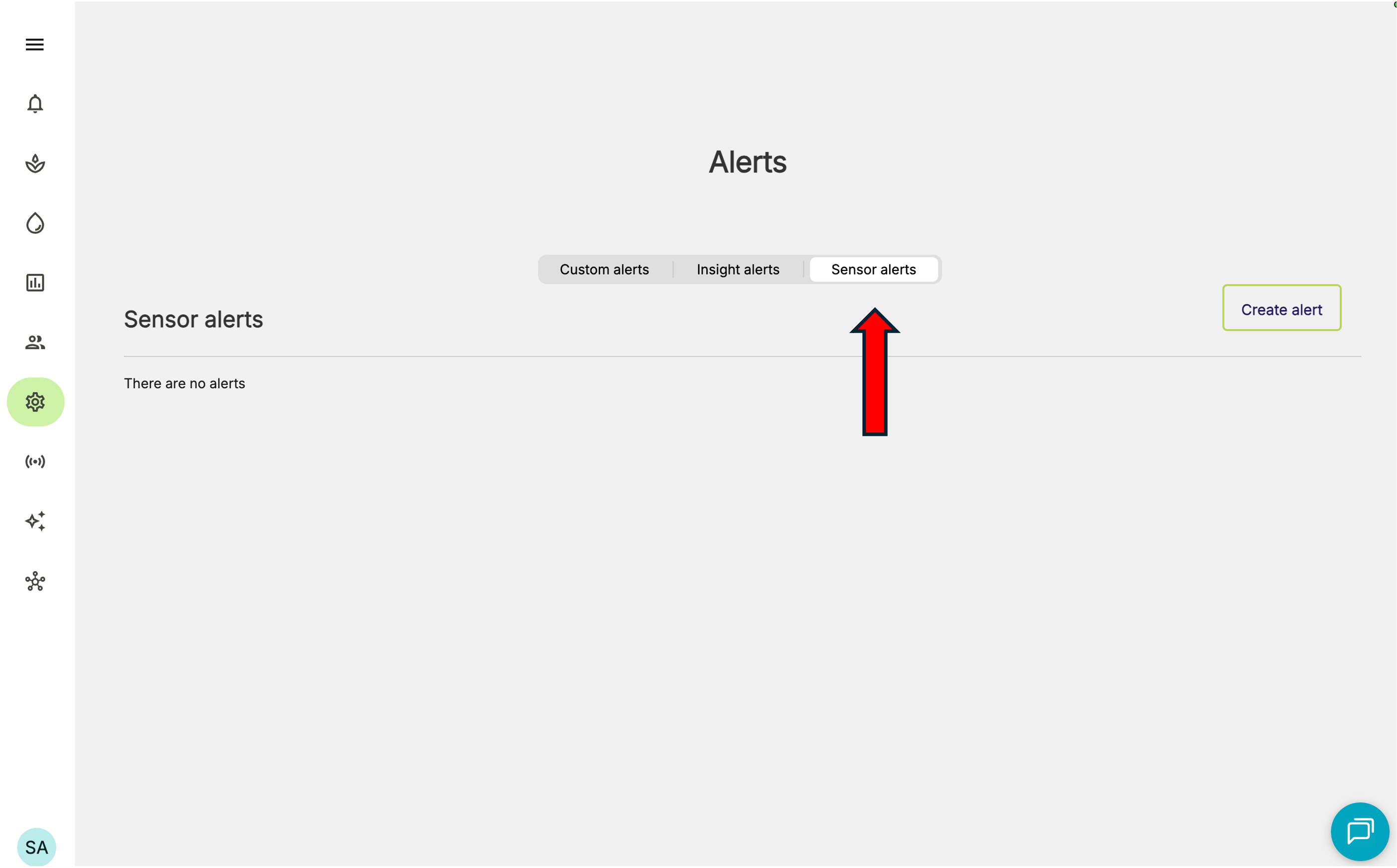
- Click Create alert button
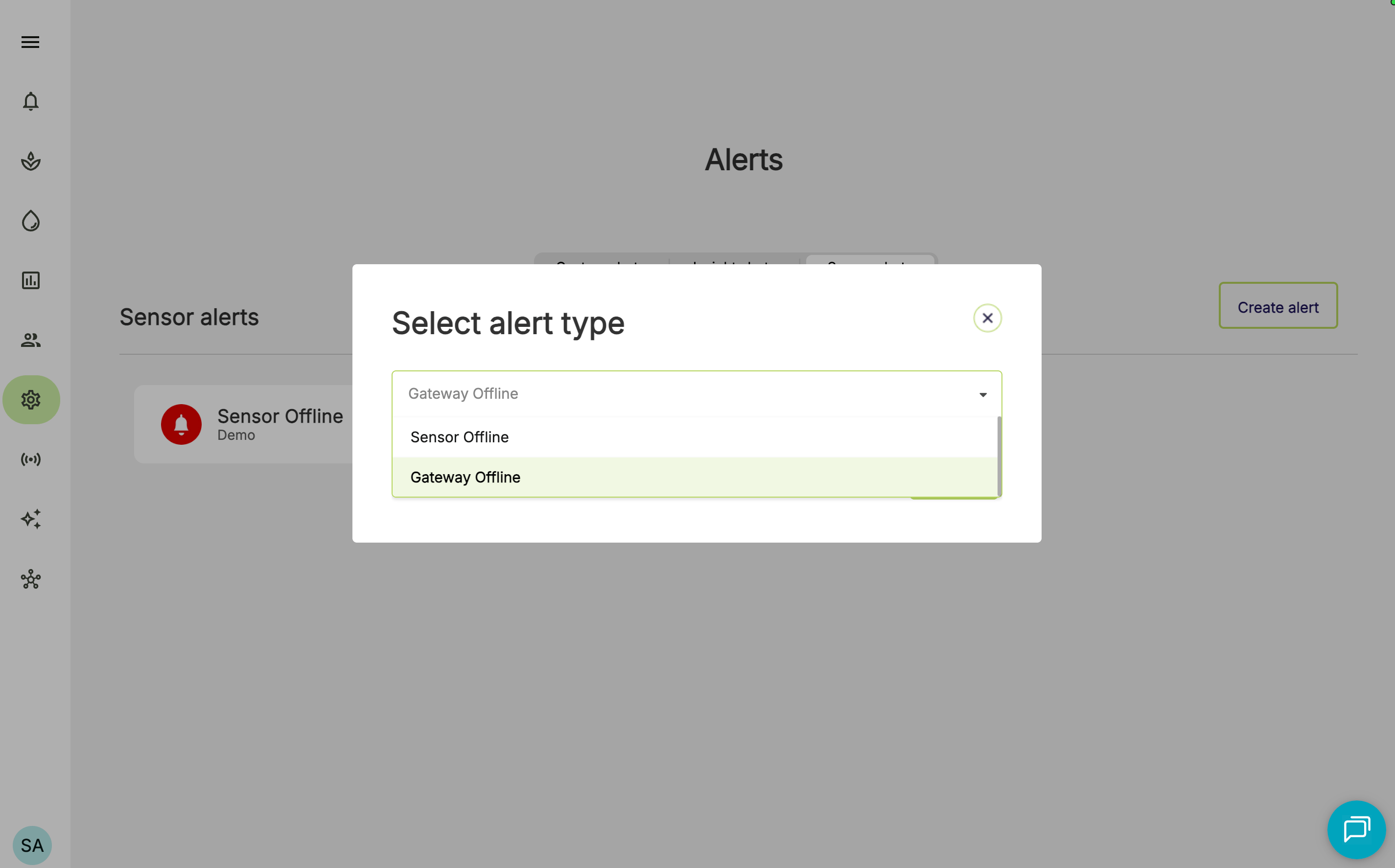
- Select Gateway Offline
- You can set up your preferred notification channel(s), and the desired recipients (either by role, team, or individual).
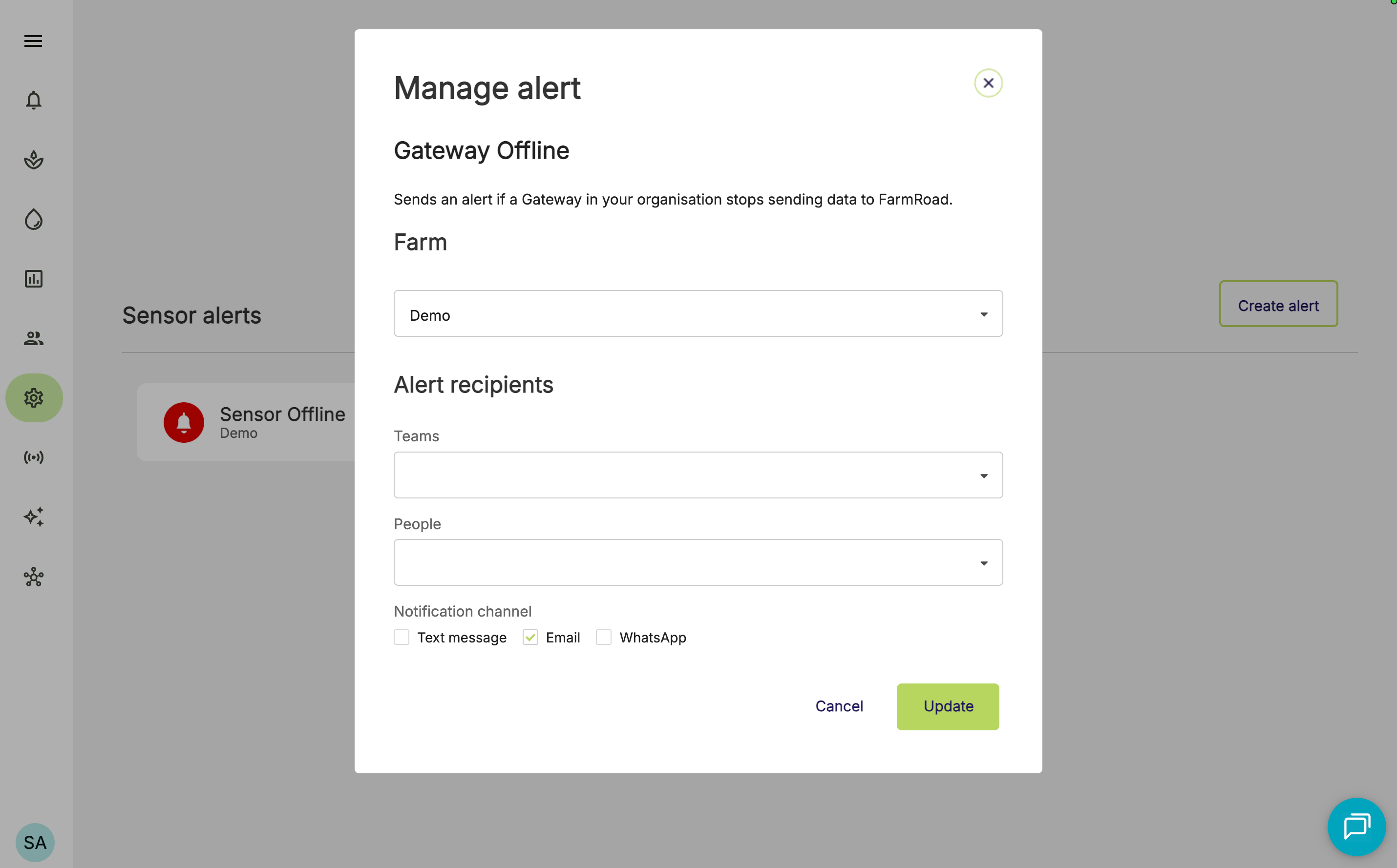
To receive alerts via Text message (SMS) or WhatsApp, your team members will need to have a mobile number entered in their FarmRoad profile.
- Click Update to apply your changes.