Connect FarmRoad / Folium sensor
- In FarmRoad, click the Manage sensors icon in the navigation menu.
- Click Add a sensor.

- Enter the serial number, or serial numbers, for the sensor you want to connect.
- Click save.
The Folium’s serial number is printed on the bottom of the device.
Add or edit sensor details
- Click the Manage sensors icon in the navigation menu.
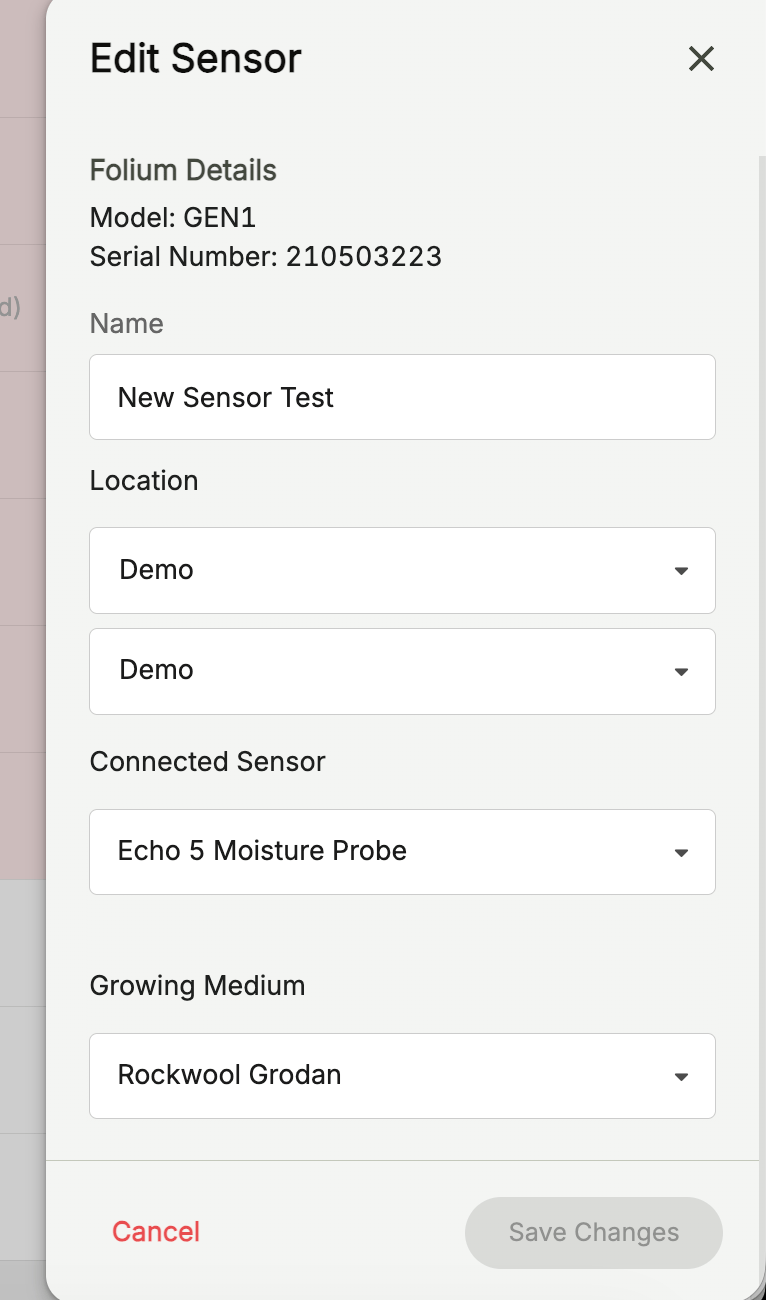
- Click the Edit pencil icon for the device you want to update.
- Enter a Name.
- Enter a Location.
- If required, select a peripheral for the sensor.