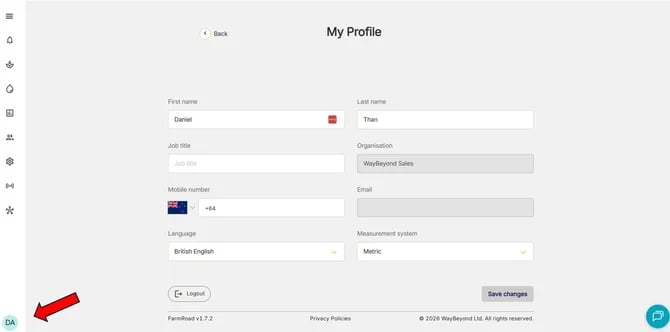
- Go to the My Profile page from the bottom left of your FarmRoad screen. It will be the first 2 letters of your name. E.g. DA for Daniel.
- Click the drop down Measurement System
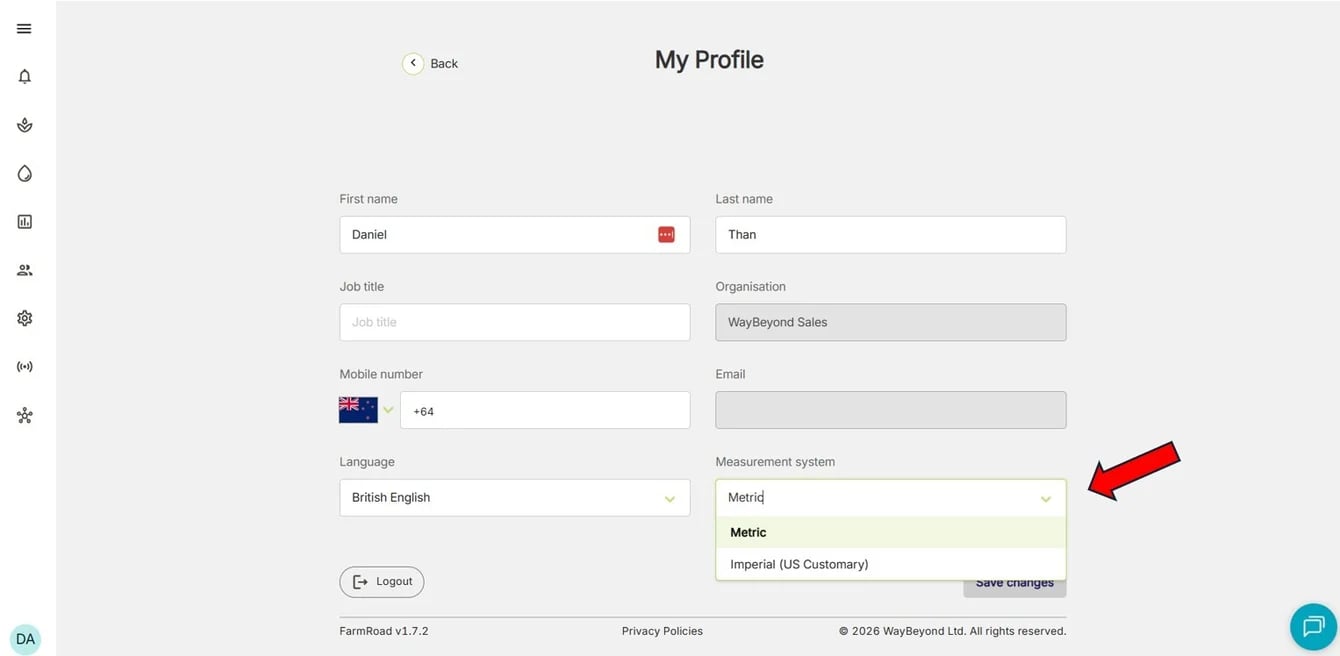
- Select the preferred measurement system
- Click Save changes
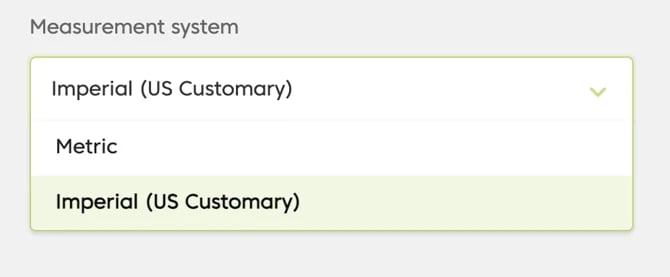
Only Metric and Imperial (US Customary) are available as options for viewing/recording measurement data.