> ## Documentation Index
> Fetch the complete documentation index at: https://waybeyond.mintlify.site/llms.txt
> Use this file to discover all available pages before exploring further.
# How can I manage my fleet of FarmRoad Sensors and Gateways?
> Maintaining a healthy sensor network is critical to having the reliable data you need for decision making.
FarmRoad helps growers manage large numbers of sensors and gateways by showing device status at a glance on the **Manage sensors** screen and sending alerts when devices go offline.
## How can I tell when my devices are actively reporting to FarmRoad?
To check whether your devices are online or offline:
1. In FarmRoad, click the **Manage sensors** icon in the navigation menu.
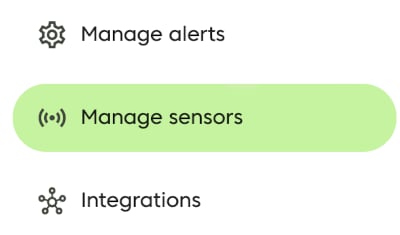 2. On the **Manage sensors** page, choose whether you want to view **Sensors** or **Gateways**.
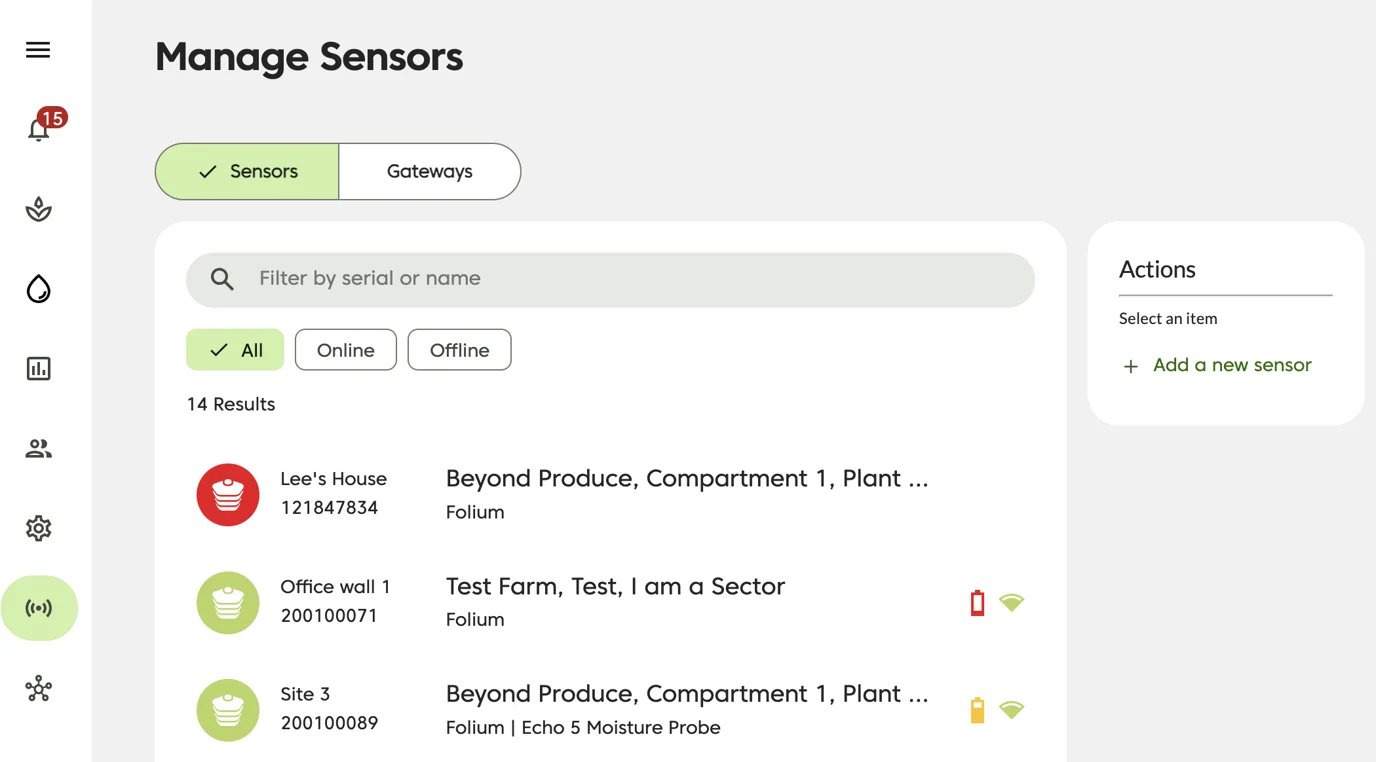 3. Review the status icon shown on the left side of the table.
### Connectivity status icons
3. Review the status icon shown on the left side of the table.
### Connectivity status icons
 **Green icon**: the sensor or gateway is online
 **Red icon**: the sensor or gateway is offline
### Battery status
For online climate sensors, FarmRoad also shows battery level and signal strength on the right side of the table.
**Red icon**: the sensor or gateway is offline
### Battery status
For online climate sensors, FarmRoad also shows battery level and signal strength on the right side of the table.
 **Full charge,** no action required
 **Moderate charge,** no action required
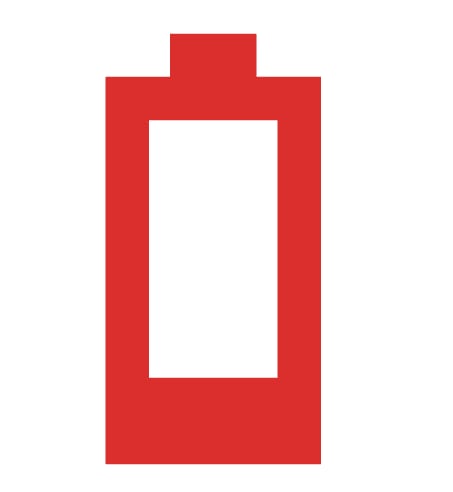 **Low charge**. The battery should be replaced as soon as possible.
### Signal status
**Low charge**. The battery should be replaced as soon as possible.
### Signal status
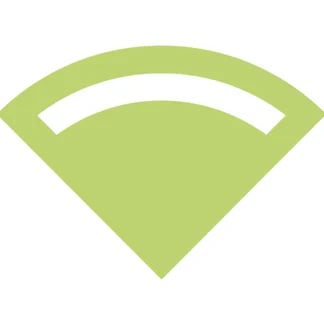 **Strong signal.** The device is reporting reliably
 **Moderate signal.** Some potential for data loss.
 **Low signal**. High probability of data loss. Consider relocating the sensor or gateway, or purchasing range extenders
## How do I switch between Sensors and Gateways?
To switch views, use the selector above the table to move between **Sensors** and **Gateways**.
**Low signal**. High probability of data loss. Consider relocating the sensor or gateway, or purchasing range extenders
## How do I switch between Sensors and Gateways?
To switch views, use the selector above the table to move between **Sensors** and **Gateways**.
 ## Get alerted whenever a sensor or gateway goes offline
FarmRoad can send alerts when a sensor or gateway goes offline. These alerts are sent when FarmRoad has not heard from a device for at least 30 minutes.
Alerts can be delivered by:
* Email
* SMS
* WhatsApp
You can learn more here:
* [How does the Sensor Offline alert work?](https://waybeyond.mintlify.app/en/farmroad/Sensor-Offline-alert)
* [How does the Gateway Offline alert work?](https://waybeyond.mintlify.app/en/farmroad/understanding-gateway-offline-alerts)
## Get alerted whenever a sensor or gateway goes offline
FarmRoad can send alerts when a sensor or gateway goes offline. These alerts are sent when FarmRoad has not heard from a device for at least 30 minutes.
Alerts can be delivered by:
* Email
* SMS
* WhatsApp
You can learn more here:
* [How does the Sensor Offline alert work?](https://waybeyond.mintlify.app/en/farmroad/Sensor-Offline-alert)
* [How does the Gateway Offline alert work?](https://waybeyond.mintlify.app/en/farmroad/understanding-gateway-offline-alerts)