> ## Documentation Index
> Fetch the complete documentation index at: https://waybeyond.mintlify.site/llms.txt
> Use this file to discover all available pages before exploring further.
# How do I edit a crop registration record in FarmRoad web?
> Editing existing crop registration records in FarmRoad is easy.
1. Navigate to the farm sector and cycle that you are recording crop registration data for.
2. Click the **Crop Registration** button in the Activity Feed view.
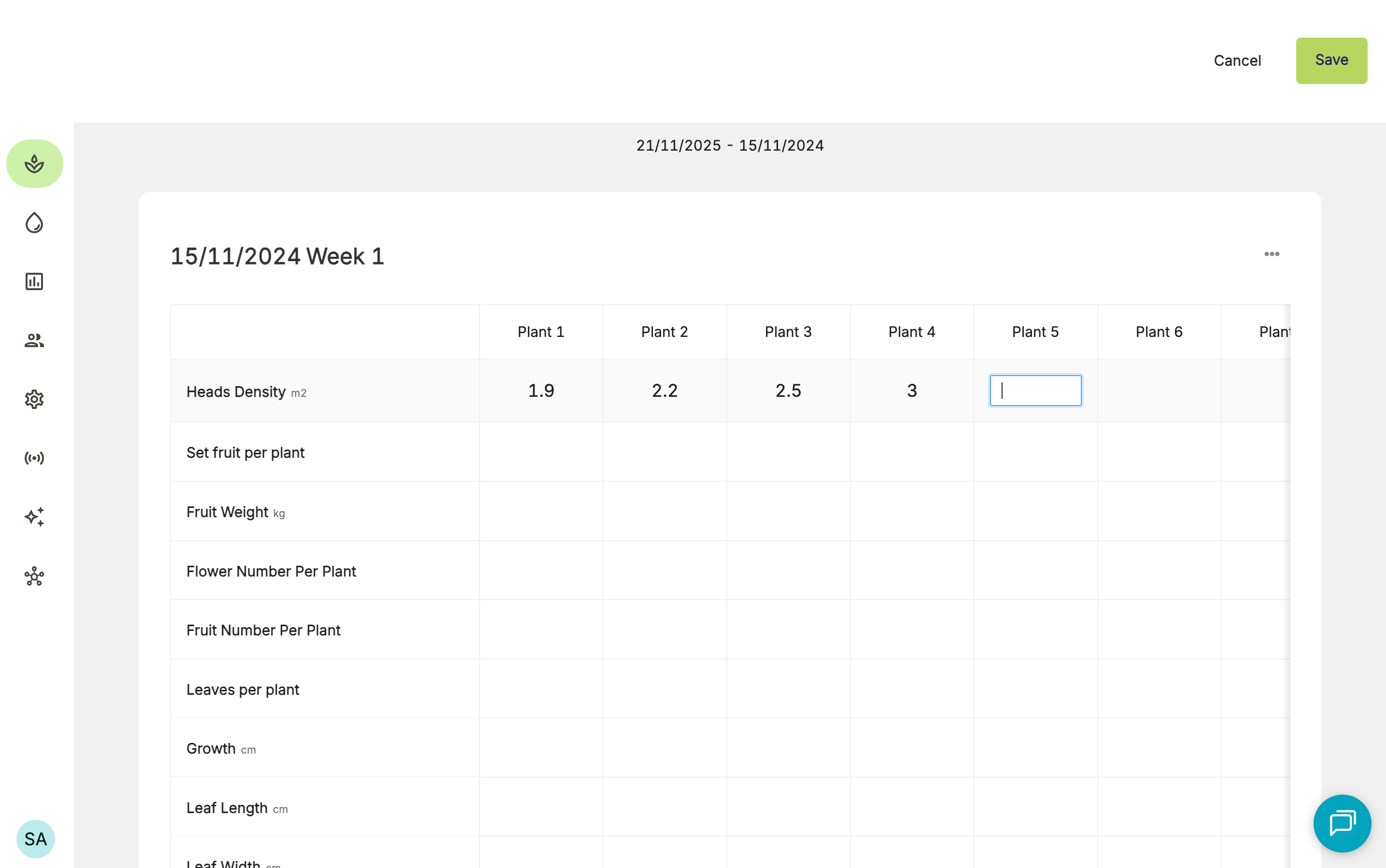
3. You will be taken to the Crop Registration Averages page. From there, you can click specific records to view the recorded data.
4. To edit a value, click into the cell and update it.
5. Click **Save**.