> ## Documentation Index
> Fetch the complete documentation index at: https://waybeyond.mintlify.site/llms.txt
> Use this file to discover all available pages before exploring further.
# How do I create a team and give users farm access?
> You can easily create a team and manage farm access on the My Organisation page.
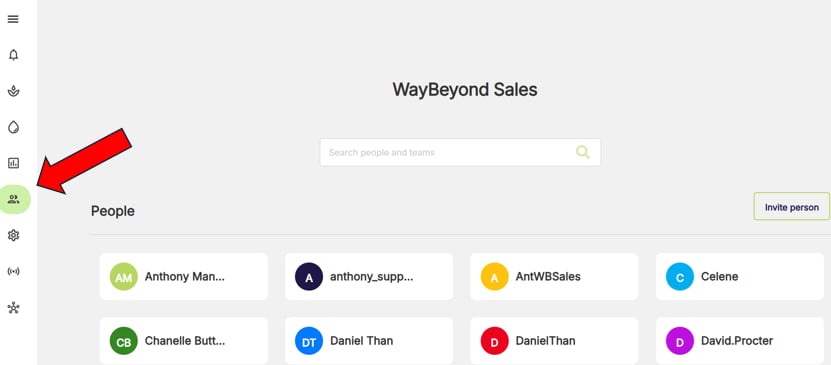
1. Go to **People and Teams** page
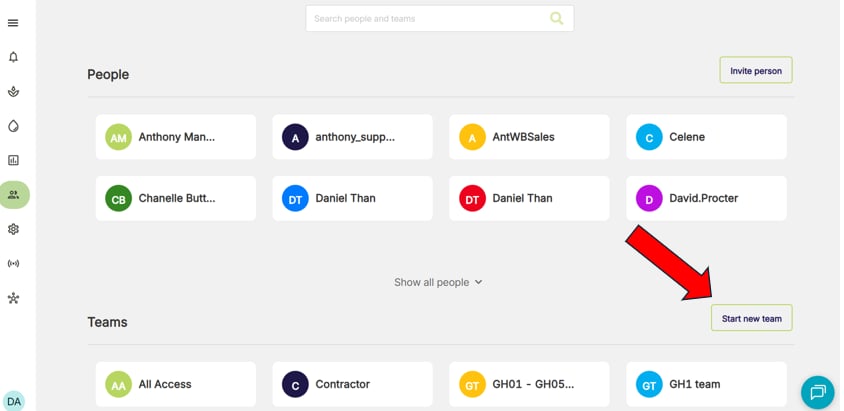
 2. Click **Start new team**
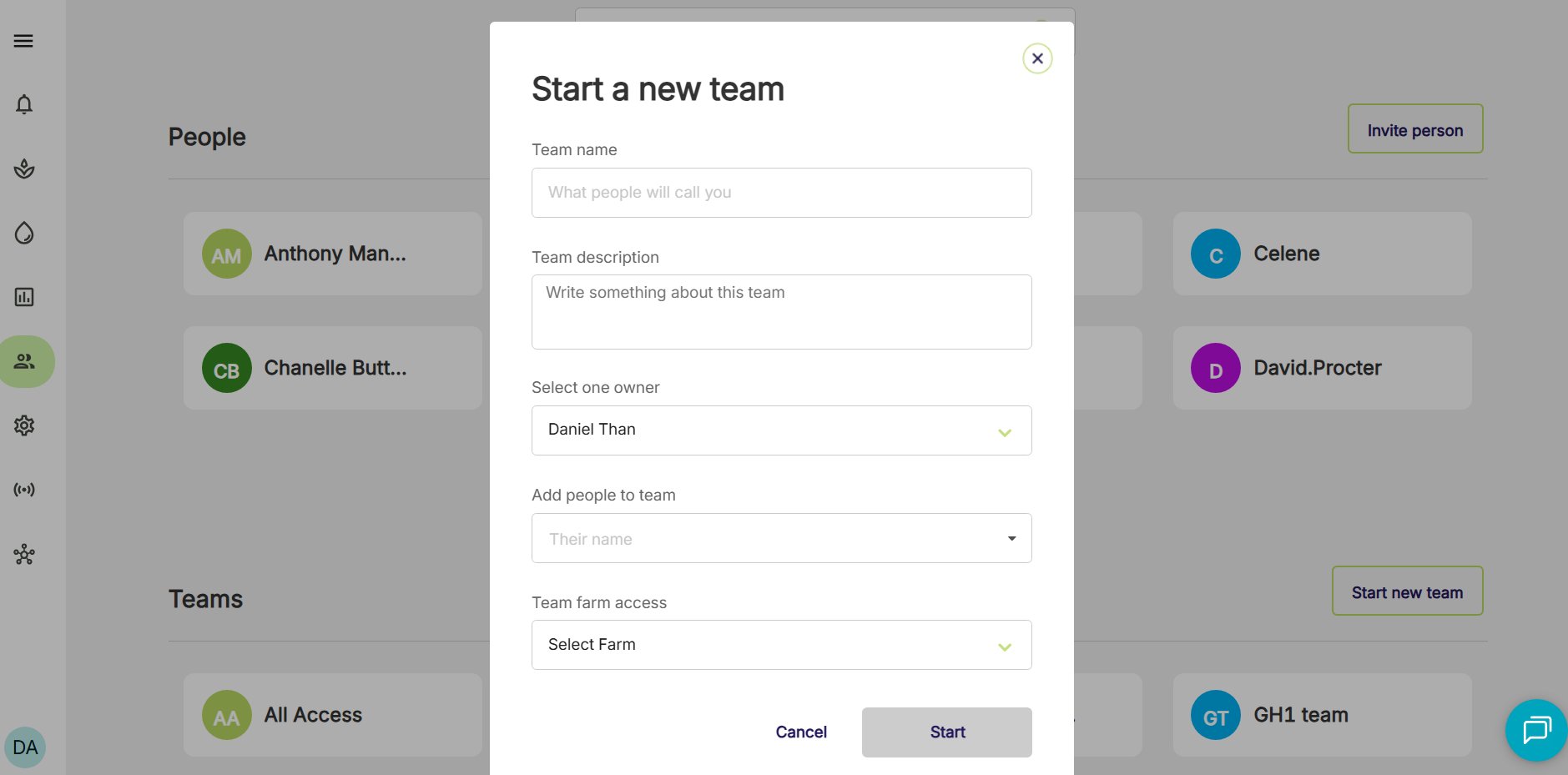
 3. Add team name, description, owner and team members
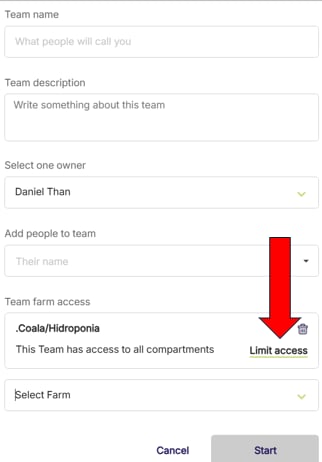
 4. Select which farms and compartments the team should have access to
5. Click **Start**
Users can edit a team at any time, so long as they are either the owner of the team or an admin. For the list of roles & permissions check out this article [How do roles and permissions work?](https://knowledge.farmroad.io/how-do-roles-and-permissions-work?hsLang=en)
## How do I give users access to a farm and compartment?
To give users access to a farm simply add them to a team that has access to that farm or create a new team and add the user.
4. Select which farms and compartments the team should have access to
5. Click **Start**
Users can edit a team at any time, so long as they are either the owner of the team or an admin. For the list of roles & permissions check out this article [How do roles and permissions work?](https://knowledge.farmroad.io/how-do-roles-and-permissions-work?hsLang=en)
## How do I give users access to a farm and compartment?
To give users access to a farm simply add them to a team that has access to that farm or create a new team and add the user.
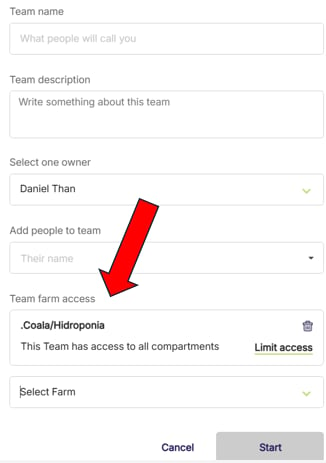 To ONLY give them access to a compartment, select Limit access and choose the compartment. A Farm must be selected before this can be done.