> ## Documentation Index
> Fetch the complete documentation index at: https://waybeyond.mintlify.site/llms.txt
> Use this file to discover all available pages before exploring further.
# How do I change measurement units?
Each user can easily change which system of measurement they wish to use to view and record the data in FarmRoad.
1. Go to the **My Profile** page from the bottom left of your FarmRoad screen. It will be the first 2 letters of your name. E.g. DA for Daniel.
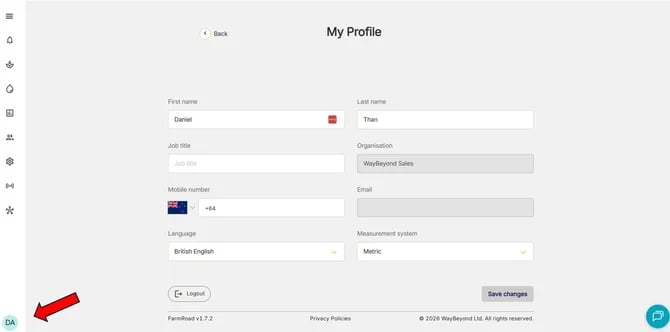 2. Click the drop down **Measurement System**
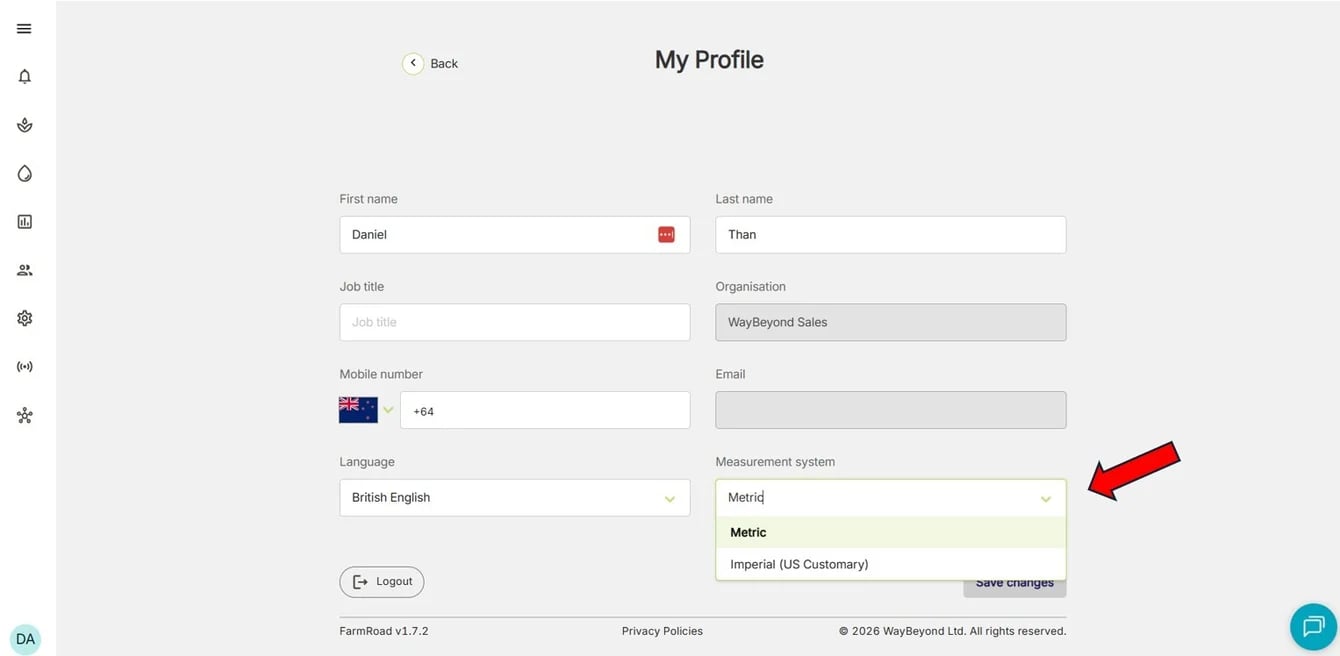 3. Select the preferred measurement system
4. Click **Save changes**
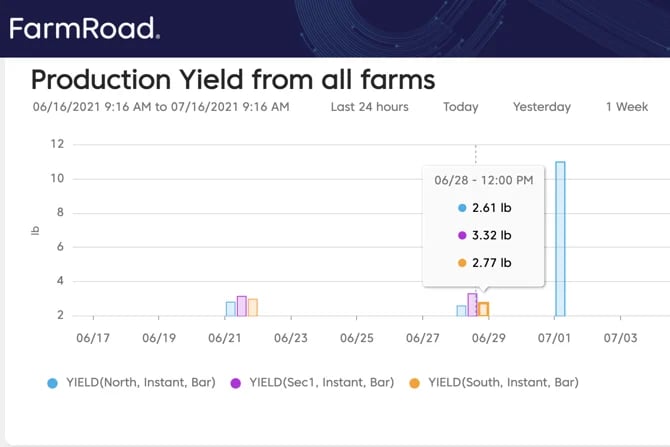
Data will now display and can be recorded using the selected system of measurement.
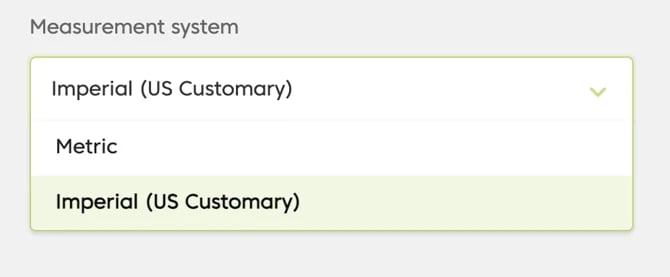
Only Metric and Imperial (US Customary) are available as options for viewing/recording measurement data.
3. Select the preferred measurement system
4. Click **Save changes**
Data will now display and can be recorded using the selected system of measurement.
Only Metric and Imperial (US Customary) are available as options for viewing/recording measurement data.